






A recent survey of hundreds of Cameyo customers globally revealed industry-leading customer satisfaction

“Cameyo’s platform plays a critical role in enabling our Digital Workplace strategy by removing the legacy application roadblocks that were preventing widespread Chrome adoption here at Sanmina.”

“Cameyo brings dramatic cost savings compared to virtual desktop products based on the amount of time it saved us in deployment, ease of ongoing management, and the fact that everything is included – we don’t need to tack on additional third-party tools.”

“Cameyo’s Virtual App Delivery (VAD) technology gives us a streamlined cloud desktop allowing users to access all of the apps and data they need to be productive from anywhere – all without the Windows desktop.”






Architected with a Zero Trust security model, eliminating the need for VPNs or open firewall or server ports.


Cloud-native design with usage optimization and elasticity reduces cost up to 70% over legacy VDI and DaaS products


Get started in minutes and deploy apps to users in hours, not weeks or months. Even easier for the end user..


Cloud-native service works in any cloud or on-premises environment and integrates with your SSO, databases, etc
Securely deliver ALL your apps – Windows, Linux, SaaS, and internal web apps – to any device to ensure your people can be productive from anywhere. All without the cost, complexity, or security concerns of traditional virtual desktops or VPNs.
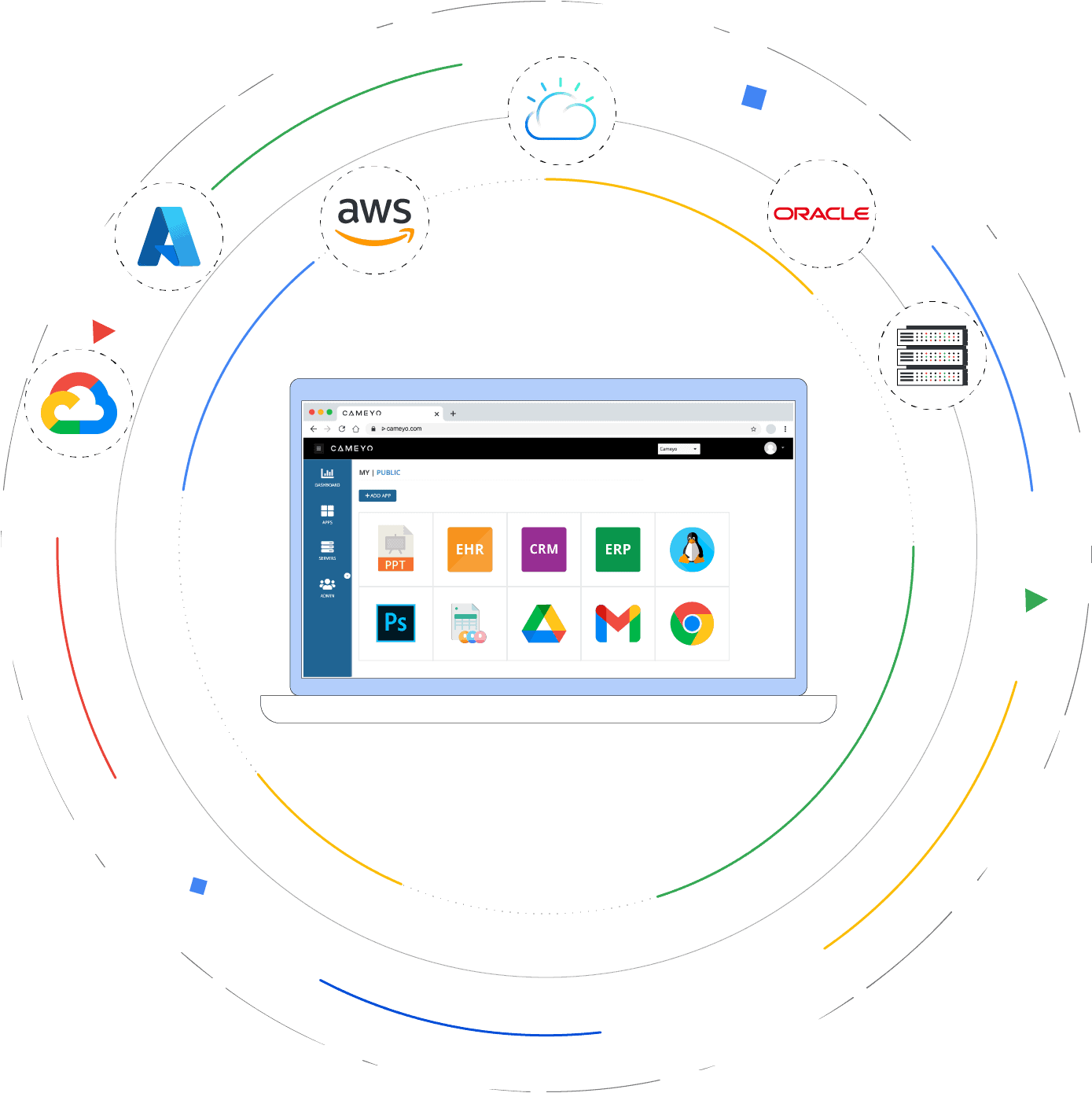
Cameyo’s fully-hosted service (where all infrastructure is managed for you) runs in either Google Cloud or Microsoft Azure, but you can also self-host Cameyo in any cloud, on-premises, or hybrid environment of your choice. Zero vendor lock-in.
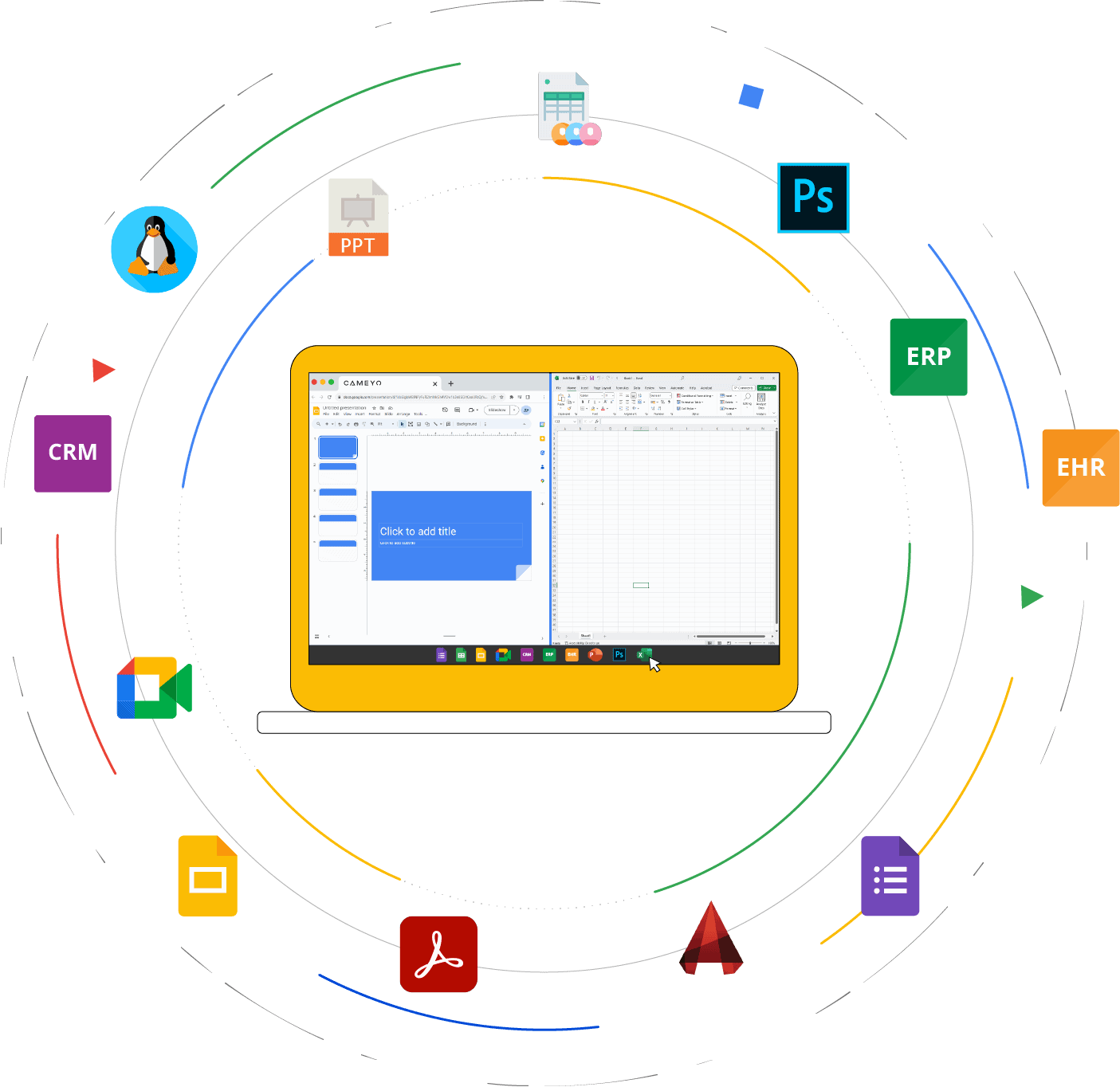
Cameyo’s Virtual App Delivery (VAD) enables your users to access the full desktop version of all their apps either from the browser or as Progressive Web Apps (PWAs). Your users get a seamless app experience with nothing new to learn, just as if the apps were installed locally on their devices - and without the performance issues and context switching of virtual desktops.
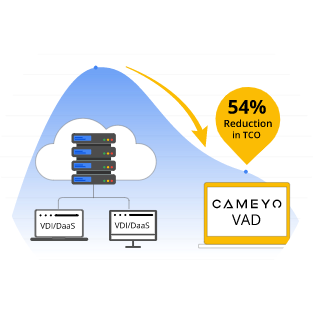
Analyst firm Enterprise Strategy Group benchmarked the cost benefits of Cameyo’s Virtual App Delivery (VAD) vs. the cost of traditional virtual desktops (VDI) and provided a detailed breakdown of the TCO enterprises experience with Cameyo. The ESG Economic Validation report confirms that Cameyo reduces TCO by 54%, especially when paired with Chrome.

Cameyo’s Virtual App Delivery (VAD) platform is built with a Zero Trust security model at its core, helping you eliminate the many security risks introduced by traditional VDI and DaaS products. Cameyo has introduced many industry-first security innovations including NoVPN, PortShield, Secure Cloud Tunnelling, and more to provide the most secure remote & hybrid work platform.

“The language their customers use is consistent: Cameyo is low cost, simple and easy to use, fast to deploy, secure, and isn’t aggravating. It is like a collection of best practices in a solution.”

“Cameyo’s technology allows companies to set up employees to work from home without needing VPNs and the corresponding software on every laptop or desktop… and can be installed in hours for hundreds of employees.”

“The need for more durable fixes has driven a wave of new customers to Cameyo, which provides an offering that quickly and cost-effectively gets Windows apps up and running in the cloud for delivery to any remote device.”

“This is why Cameyo's approach is interesting. They've eschewed the desktop altogether, delivering only the apps. Users can access apps from any browser, but they also have a tight relationship with Google and integration with Chrome. They can also deliver apps as PWAs so they can run standalone.”











No software to download or install, and no credit card required. It’s so easy to get started, you’ll have your first app published in less than 10 minutes.
The ESG Economic Validation report is the result of a 3-month study where ESG analysts interviewed joint ChromeOS + Cameyo customers. In particular, the study identifiers the TCO of ChromeOS + Cameyo Compared to ChromeOS and traditional vitual desktops
This IDC Spotlight study outlines how the combination of ChromeOS + Cameyo is accelerating adoption of cloud-first operating systems in the enterprise to provide more success & cost-effective hybrid work solution while improving the user experiences